Steps :

7.) Drop taskflow on your .jspx page.

8.) Run your page.
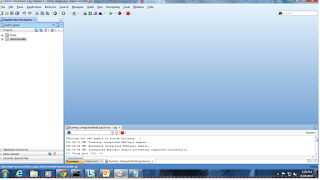
1.) Create a fusion web application let say Rahul_apps1.
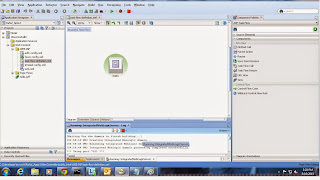
2.) Create a bounded taskflow and drop a view on it.
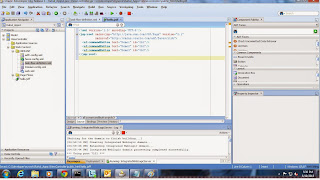
3.) Click on your view and create a hello.jsff page.
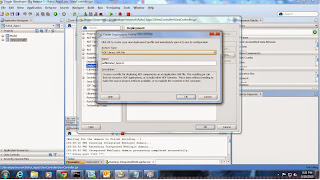
4.) Double click the view controller project.In the project properties dialog, click the Deployment section.Create a new deployment profile by clicking the New option.In the archive type select the ADF library jar file as shown below.
5.) Deploy the project using the newly created deployment profile
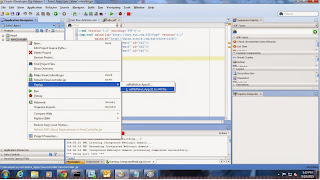
6.) Create a another application and go to file system connection in the resource palette
to point to that directory as shown below. Give some connection name and in the directory
path, point to the jar file deployed directory.Select the deployment and say add to the
project as shown below.

2.) Create a bounded taskflow and drop a view on it.

3.) Click on your view and create a hello.jsff page.

4.) Double click the view controller project.In the project properties dialog, click the Deployment section.Create a new deployment profile by clicking the New option.In the archive type select the ADF library jar file as shown below.

5.) Deploy the project using the newly created deployment profile

6.) Create a another application and go to file system connection in the resource palette
to point to that directory as shown below. Give some connection name and in the directory
path, point to the jar file deployed directory.Select the deployment and say add to the
project as shown below.

7.) Drop taskflow on your .jspx page.

8.) Run your page.
